Compose Pets - Android Dev Challenge
- Jetpack Compose UI
- Pet listing with cards
- Detail view navigation
- Material Design 3
- Declarative UI patterns
Android Dev Challenge Week 1
When Google announced the Android Dev Challenge in early 2021, I jumped at the opportunity. The first week’s challenge: build a pet adoption app using the then-new Jetpack Compose toolkit.
This was my first serious project with Compose, and it was a great learning experience.
The App

Features
Pet Listing - A scrollable list of adorable pets available for adoption, each displayed in a card with their photo, name, and basic info.
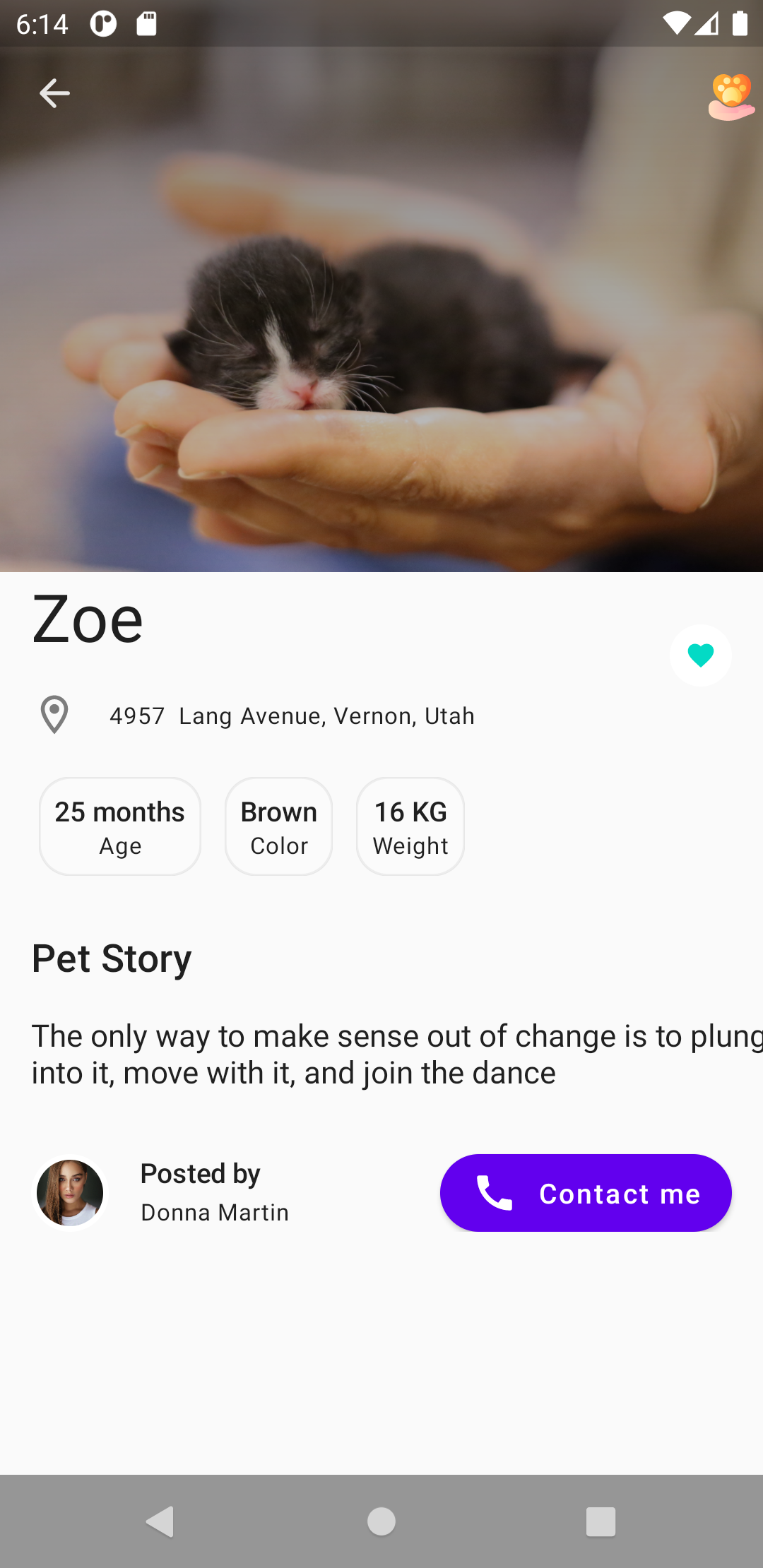
Pet Details - Tap on any pet to see their full profile, including breed, age, description, and an adoption button.
Compose Learnings
This project taught me several key Compose concepts:
State Management
@Composablefun PetList(onPetClick: (Pet) -> Unit) {    val pets = remember { PetRepository.getAllPets() }
    LazyColumn {        items(pets) { pet ->            PetCard(pet = pet, onClick = { onPetClick(pet) })        }    }}
Composable Functions
@Composablefun PetCard(pet: Pet, onClick: () -> Unit) { Card( modifier = Modifier .fillMaxWidth() .clickable(onClick = onClick) .padding(8.dp) ) { Row { Image( painter = painterResource(pet.imageRes), contentDescription = pet.name ) Column { Text(text = pet.name, style = MaterialTheme.typography.h6) Text(text = pet.breed, style = MaterialTheme.typography.body2) } } }}Navigation
@Composablefun PetAdoptionApp() {    var selectedPet by remember { mutableStateOf<Pet?>(null) }
    if (selectedPet != null) {        PetDetailScreen(            pet = selectedPet!!,            onBack = { selectedPet = null }        )    } else {        PetListScreen(            onPetClick = { selectedPet = it }        )    }}
Why Compose Changed Everything
After years of XML layouts, RecyclerView adapters, and findViewById calls, Compose felt revolutionary:
- No more adapters - Lists just work with
LazyColumn - State-driven UI - Change the state, UI updates automatically
- Composition over inheritance - Small, reusable composables
- Preview annotations - See UI changes without running the app