Semantic Versioning for Android
- Automated semantic versioning
- GitHub Actions CI/CD pipeline
- SpotBugs static analysis
- Jacoco code coverage
- SonarQube integration
- Maven package publishing
- Commitlint enforcement
Why Semantic Versioning Matters
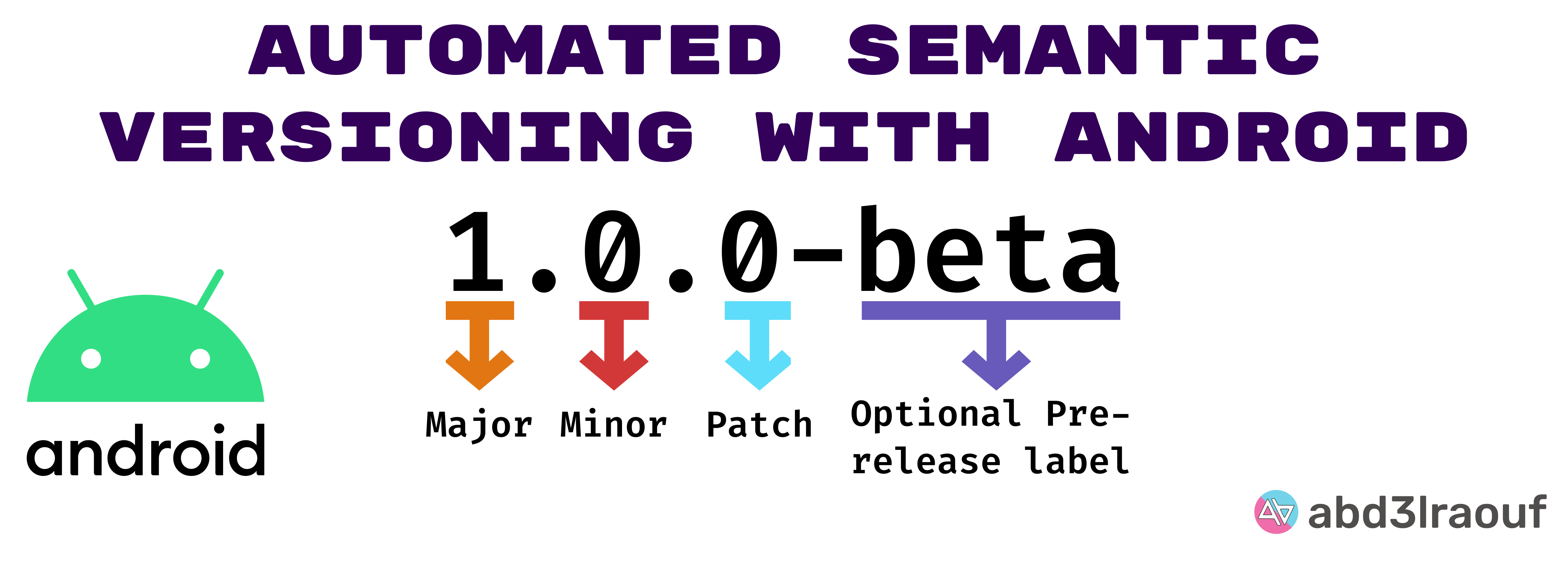
Version numbers shouldn’t be arbitrary. They should communicate meaning. When you see 2.0.0, you know there are breaking changes. When you see 1.3.0, you know there are new features. When you see 1.2.5, you know it’s a patch.
This project demonstrates how to fully automate semantic versioning for Android libraries and applications using conventional commits and GitHub Actions.
The Complete Pipeline
This isn’t just about version numbers. It’s a full DevOps setup for Android projects:
1. Conventional Commits
Every commit follows the Conventional Commits specification:
feat(auth): add OAuth2 login supportfix(api): resolve connection timeout issuedocs(readme): update installation instructionsCommitlint enforces this at the pre-commit hook level - no more "fix stuff" commits making it to main.
2. Automated Analysis
Every pull request triggers:
- SpotBugs - Static analysis to catch bugs before they ship
- Jacoco - Code coverage reports
- SonarQube - Code quality metrics and security analysis
3. Semantic Release
When commits are merged to main:
- Analyze commit messages since last release
- Determine version bump (major/minor/patch)
- Generate changelog
- Create GitHub release
- Publish to Maven
GitHub Actions Workflows
The project includes several workflows:
# Code Scanner - runs on every PRcode-scanner.yml:  - SpotBugs analysis  - Security scanning  - Code quality checks
# SDK CI - builds and testssdk-ci.yml:  - Build project  - Run unit tests  - Generate coverage report  - Upload to SonarQube
# Release - publishes on mergerelease.yml:  - Semantic version calculation  - Changelog generation  - Maven publishing  - GitHub release creation
Installation
Add the repository to your project:
repositories { maven { url = uri("https://maven.pkg.github.com/abd3lraouf/Semantic") }}Add the dependency:
dependencies { implementation("dev.abd3lraouf.learn.Semantic:sdk:<latest-release>")}Key Takeaways
This project serves as a template for anyone wanting to:
- Automate their Android release process
- Enforce commit message standards
- Integrate code quality tools
- Publish to Maven automatically
The configuration files and workflows can be copied and adapted to any Android project.