Android WebView Code Injection
- JavaScript injection into WebViews
- Native-to-Web communication
- Web-to-Native callbacks
- Missing API polyfills
- Real-world use cases
Bridging the Gap Between Web and Native
WebViews are everywhere in mobile apps - from displaying terms of service to embedding entire web applications. But sometimes, the web content doesn’t do exactly what you need, or you need to establish communication between your native code and the web page.
That’s where JavaScript injection comes in.
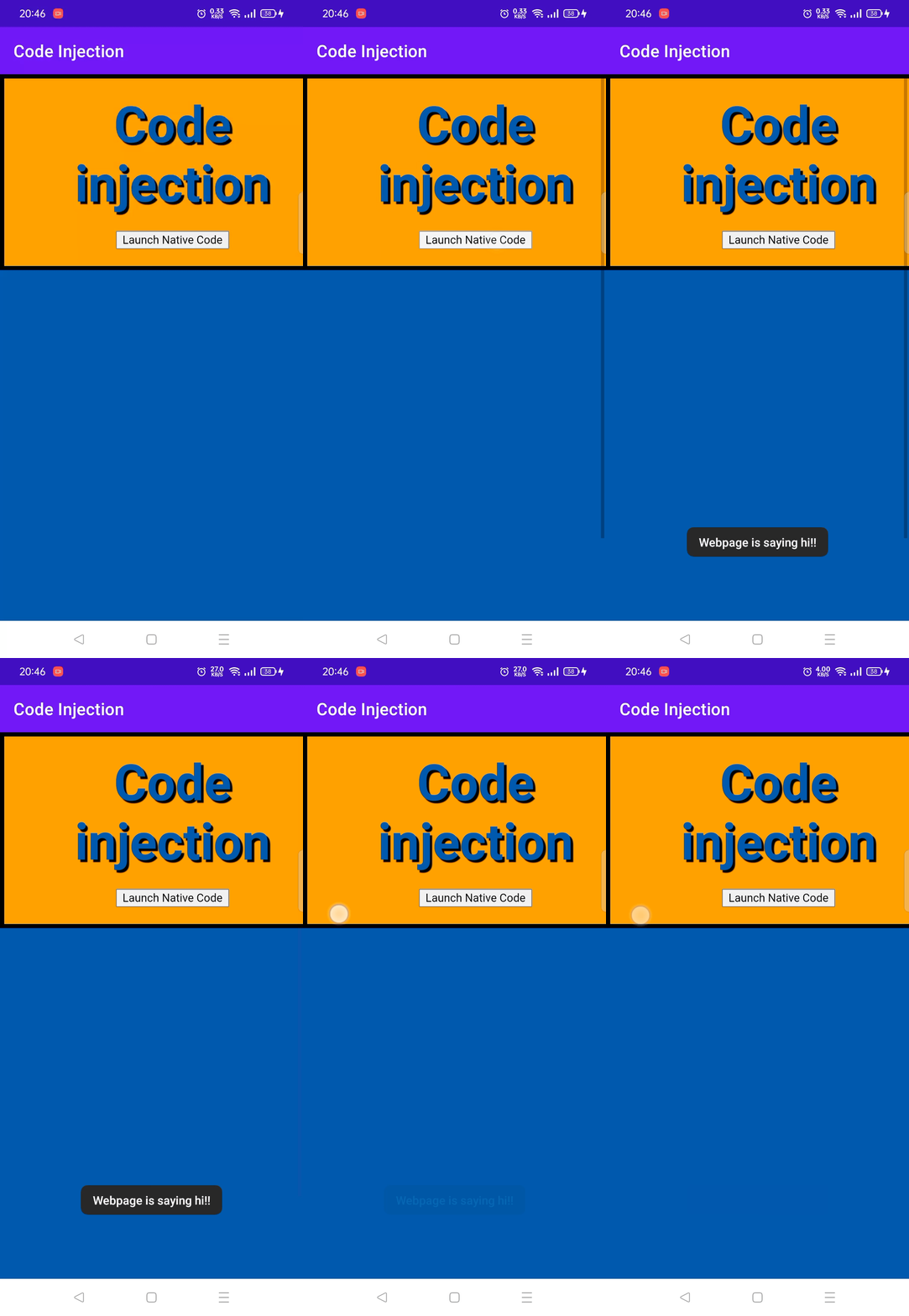
Why Inject JavaScript?
1. Add Missing Functionality
The web page might be missing APIs that your app needs:
webView.evaluateJavascript(""" if (!window.share) { window.share = function(title, text, url) { Android.share(title, text, url); }; }""".trimIndent(), null)2. Modify Behavior
Intercept user actions or modify page behavior:
webView.evaluateJavascript(""" document.querySelectorAll('a[target="_blank"]').forEach(link => { link.addEventListener('click', function(e) { e.preventDefault(); Android.openExternalLink(this.href); }); });""".trimIndent(), null)3. Style Injection
Apply custom styles for better native integration:
webView.evaluateJavascript(""" const style = document.createElement('style'); style.textContent = ` body { font-family: 'Roboto', sans-serif; background: transparent; } `; document.head.appendChild(style);""".trimIndent(), null)The JavaScript Interface
The key to two-way communication is the JavaScript interface:
class WebAppInterface(private val context: Context) {    @JavascriptInterface    fun share(title: String, text: String, url: String) {        val intent = Intent(Intent.ACTION_SEND).apply {            type = "text/plain"            putExtra(Intent.EXTRA_SUBJECT, title)            putExtra(Intent.EXTRA_TEXT, "$text\n$url")        }        context.startActivity(Intent.createChooser(intent, "Share via"))    }
    @JavascriptInterface    fun showToast(message: String) {        Toast.makeText(context, message, Toast.LENGTH_SHORT).show()    }}
// Add to WebViewwebView.addJavascriptInterface(WebAppInterface(this), "Android")
Now JavaScript can call Android.share(...) or Android.showToast(...).
Security Considerations
JavaScript injection is powerful but requires careful handling:
- Only inject into trusted content - Never inject into arbitrary URLs
- Validate all inputs - Sanitize data coming from JavaScript
- Use HTTPS - Ensure content is loaded over secure connections
- Target API level -
@JavascriptInterfaceannotation required for API 17+
Real-World Use Cases
- Social sharing - Add native share functionality to web content
- Analytics - Track user interactions in your native analytics
- Deep linking - Handle internal links natively
- Authentication - Pass tokens between web and native
- Feature flags - Control web features from native configuration
Learn More
I’ve written a comprehensive blog post covering this topic in depth, including security best practices, debugging tips, and advanced patterns.