
0
uploads or accounts — the image is cut out inside the tab and never leaves the device
1
browser tab is the whole pipeline: load, cut out and save
Offline
it installs as a PWA and keeps working after the first load, with no connection
Free
no per-image credit, no watermark and no paid tier
Three ways to cut a background out — none of them upload.
On-device AI segmentation
The segmentation model runs inside the tab, on your own device, and handles photographs and complicated edges — hair, foliage, glass.
Flood-fill and transparent-trim
For the easy cases: click a solid ground away, or trim what is already separated.
Installs and works offline
A PWA that keeps working with no connection after the first visit.
Exports worth keeping
OxiPNG (lossless), WebP and AVIF, with a live size preview before you commit.
Nothing upstream
No uploads, no accounts, no server. The tab is the whole pipeline.
Where the image goes — nowhere at all.
| Compared on | Magic BG Remover | A typical online remover |
|---|---|---|
| Image processed on | your device | their server |
| Works offline | yes | no |
| Account required | no | often |
| Watermarks | none | on the free tier |
| Export formats | PNG, WebP, AVIF | PNG, JPEG |
From photo to cutout without leaving the tab.
Three paths in, one comparison, one export.
Drop or paste the image
It opens in the tab. Nothing is sent anywhere — check the network tab if you like.
Pick the path that fits
AI segmentation for photos, flood-fill for solid grounds, transparent-trim for what is already separated.
Compare before and after
The slider shows the two side by side, with studio background colours if you want a ground instead of transparency.
Export at the size you choose
OxiPNG for lossless, WebP or AVIF for weight — with the size preview live as you switch.
Press
Writing about it? The kit is open.
Screenshots and the icon at every size, boilerplate in two lengths, the fact sheet and the palette — free to publish without asking, and downloadable as one zip.
Open the Magic BG Remover press kitNo embargo · review copies on request
Questions
Does my image get uploaded?
No. The model runs in the tab on your device; there is no server to upload to. The app keeps working with the network off.
What does it cost?
Nothing. Free, no account, no watermark.
Which browsers?
Modern Chromium, Firefox and Safari — anything with WebAssembly, which is what the cut-out runs on. The installable PWA works offline after the first load.
What is OxiPNG?
A lossless PNG optimizer. The export runs it for you, so a transparent cutout comes out as small as it can be without losing a pixel.
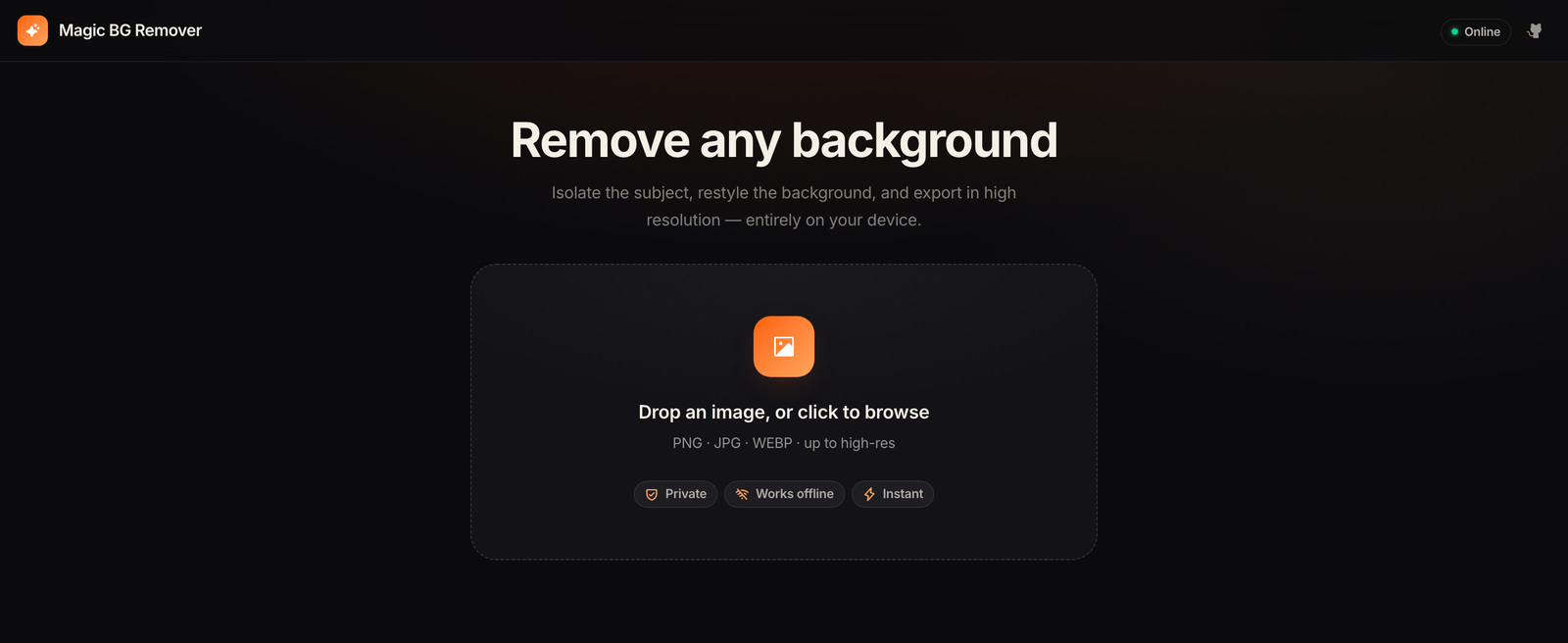
The cutout happens here, not on somebody's server.
Drop an image in and the background is gone inside the tab — nothing uploaded, nothing queued, no account. Install it from the browser and it opens like any other app.
Open the appFree · runs in the browser · installable as a PWA
Built by a one-person studio. If it has earned a place in your day, you can help fund the next release →
Magic BG Remover