Why JetBrains Toolbox downloads are slow, and what actually fixes it

JetBrains Toolbox fetches each IDE over one TCP connection that packet loss holds below line speed. Parallel ranges took one line from 1.5 to 8.5 MB/s.
JetBrains Toolbox downloads each file over a single TCP connection. On a long-haul path with even a fraction of a percent of packet loss, the sender's congestion control keeps cutting that one connection back, so it settles far below what your line can carry, while a browser or a download manager that opens several connections fills it. The fix that works is to fetch the same file as many byte ranges in parallel and put them back together in order: on one line, measured end to end, that took Toolbox from 1.5 MB/s to 8.5 MB/s.
This post shows how to confirm that this is your problem, why one connection stalls, why the usual fixes do not help, and how to split a download without breaking Toolbox's own checks, which is what the studio's MIT-licensed proxy jtaccel does for Toolbox.
The symptom
Toolbox shows a progress bar and a Cancel link. There is no speed readout and no connection count, so all you can see is that a large IDE takes a long time. The arithmetic is plain: a 1 GB bundle at 1.5 MB/s takes about 11 minutes, and at 8.5 MB/s about 2.
It can also vary by product, because not every IDE Toolbox installs comes from the same CDN (more on that below).
Measure your own line first
Before blaming anything, compare one connection with several against the same file. JetBrains' public release API lists the download links; for example, IntelliJ IDEA 2026.2.3 for Linux is idea-2026.2.3.tar.gz, about 1.6 GB. You do not need the whole file, only 200 MiB of it.
URL=https://download.jetbrains.com/idea/idea-2026.2.3.tar.gz
SEG=$((25 * 1024 * 1024))   # 25 MiB per connection, 200 MiB in total

# One connection, 200 MiB. Prints bytes per second.
curl -sL -r "0-$((8 * SEG - 1))" -o /dev/null -w '%{speed_download}\n' "$URL"

# Eight connections, 25 MiB each, the same 200 MiB.
start=$(date +%s)
for i in 0 1 2 3 4 5 6 7; do
  curl -sL -r "$((i * SEG))-$((i * SEG + SEG - 1))" -o /dev/null "$URL" &
done
wait
end=$(date +%s)
echo "$(( 8 * SEG / (end - start) )) bytes/s"
-r asks for a byte range, and speed_download is, in curl's own words, "the average download speed that curl measured for the complete download. Bytes per second." Nothing is written to disk.
Read the two numbers like this:
- Eight connections several times faster than one: aggregate bandwidth is not your limit, a single stream is. The rest of this post applies.
- Both about the same: your line, Wi-Fi or ISP is the ceiling, and splitting will not help. Look elsewhere.
- Both fast, Toolbox still slow: the network is fine and the time is going somewhere else, such as extracting and installing on disk.
Why one connection stalls
TCP's congestion control runs on the sender, which for a download is the CDN's server, not your machine. RFC 9438, the current specification of CUBIC, says that on packet loss "the sender MUST reduce cwnd and ssthresh immediately upon entering loss recovery" (§4.6), and sets CUBIC's multiplicative decrease factor β_cubic to 0.7. Each loss event takes the connection's window down to 70% of where it was, and the window then has to grow back.
How much that costs is captured by the classic model from Mathis, Semke, Mahdavi and Ott (1997), derived for Reno-style congestion avoidance:
BW = (MSS / RTT) × C / √pThroughput falls with the round-trip time and with the square root of the loss rate. CUBIC grows its window differently from Reno, but it is still loss-based, and RFC 9438 is direct about the consequence (§5.4): "Similar to Reno, the performance of CUBIC as a loss-based congestion control algorithm suffers in networks where packet loss is not a good indication of bandwidth utilization, such as wireless or mobile networks."
That is the situation on a long path from a home line to a distant edge. The measurement that led to jtaccel saw a retransmit rate of about 0.24% on its path. That is small, but it is loss the sender reads as congestion when the link is not full, so the window keeps being cut before it reaches the line's capacity.
Several connections get around this without changing anything on either end. Each one has its own window, a loss event cuts only the connection it hit, and the others keep sending. On the same line, on the same evening, the jtaccel README recorded:
| Path | Measured |
|---|---|
| Line capacity (JetBrains CloudFront) | 8.5 MB/s |
edgedl.me.gvt1.com (Android Studio), 1 connection | 2.3 MB/s |
edgedl.me.gvt1.com, 6 connections | 7.8 MB/s |
| Toolbox as it ships, end to end | 1.5 MB/s |
The CDN could deliver the bandwidth. One connection could not.
Why the usual fixes do not help
Each of these was tried against the same problem, and each one fails for a specific reason, all documented in the jtaccel README:
- A JetBrains mirror. Not everything Toolbox installs comes from JetBrains. JetBrains' Toolbox FAQ says "all downloads are verified to come from
downloads.jetbrains.com", but in the measurement above Android Studio's bytes were served by Google's CDN,edgedl.me.gvt1.com. A JetBrains-side mirror cannot speed up bytes that Google serves. - Changing DNS. That Google host resolved to a single anycast IP from every resolver tested: Cloudflare, Google, Quad9, OpenDNS and the ISP's own. There was no better edge to pick.
- Pointing the host at
dl.google.comin your hosts file. TLS rejects it, because that frontend does not serve a certificate for theedgedlname. - Downloading the IDE by hand from the website. It works once, and then you are outside Toolbox's update channel, which is the reason to run Toolbox in the first place.
None of these changes the number of connections, which is the thing that matters. Tuning your own machine's congestion control does not change it either, for the reason above: on a download, the window that collapses belongs to the server.
Splitting a download without breaking it
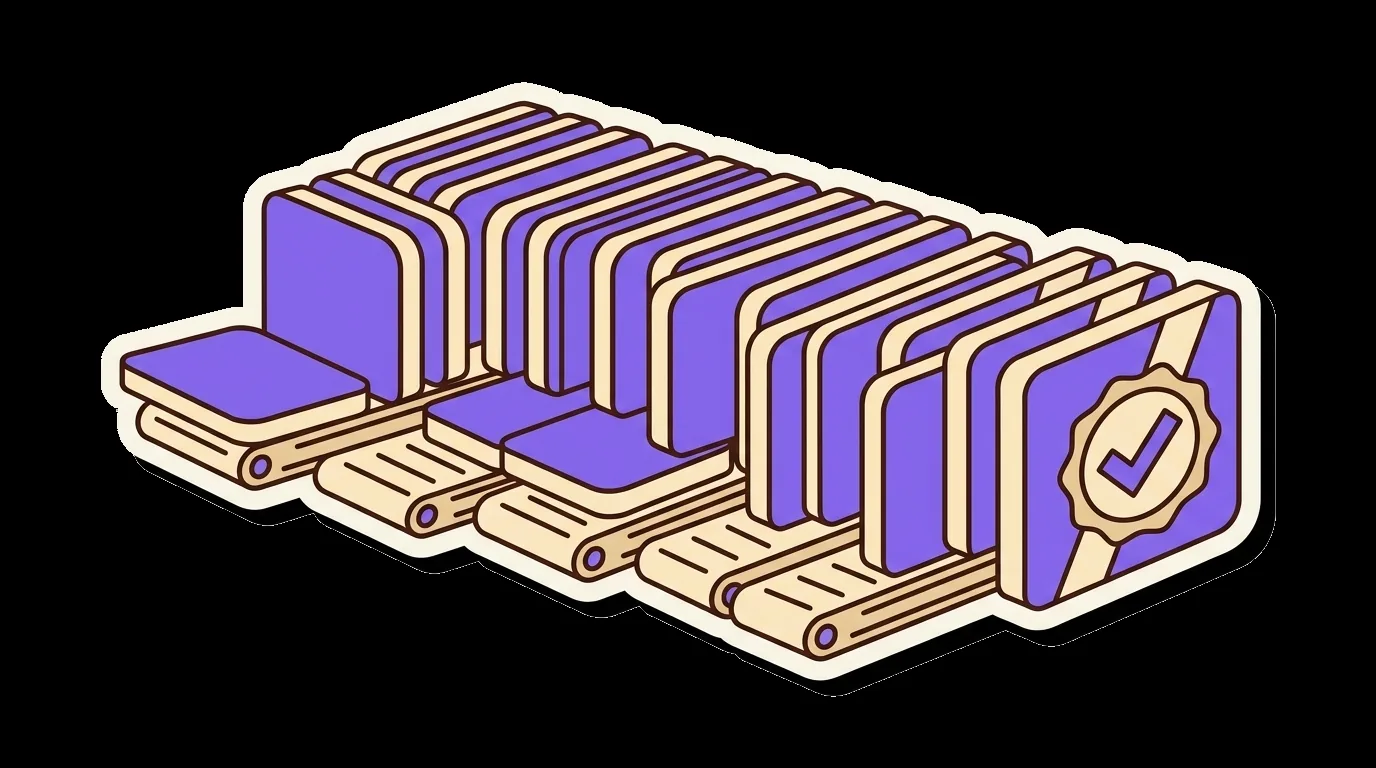
HTTP already has the mechanism. RFC 9110 §14 defines range requests: a client sends Range: bytes=0-499, and a server that supports them answers 206 Partial Content with a Content-Range header saying which bytes it sent and how large the whole file is. You can see JetBrains' CDN do this:
curl -sL -r 0-0 -o /dev/null -D - https://download.jetbrains.com/idea/idea-2026.2.3.tar.gz \
  | grep -i -E '^(HTTP|content-range)'
HTTP/2 302
HTTP/2 206
content-range: bytes 0-0/1620373462That one-byte request tells you both facts you need: the server honours ranges, and the file is 1,620,373,462 bytes long. A splitter has four more decisions to make.
From the studio: jtaccel makes these four decisions for Toolbox as a local proxy, and each answer below is the one it ships with.
When to split
Splitting a small file costs more in extra requests than it saves. jtaccel sets the threshold at 32 MiB (DefaultMinParallelSize = 32 << 20 in internal/proxy/server.go), and it decides per response rather than per host, so no list of CDNs has to be kept up to date. Anything smaller, or anything whose server will not answer a range with a 206, is relayed unchanged.
How big each piece is
Toolbox receives one ordinary response, so the reassembled bytes must be handed over in order, and nothing can be sent until the first segment arrives. Every worker shares the same line, so large segments make that first one slow. The README's measurement on the 8.5 MB/s line:
| Segment size | Time to first byte | Throughput |
|---|---|---|
| 8 MiB | ~16 s | 1.55 MB/s |
| 1 MiB | 0.94 s | 8.25 MB/s |
With 8 MiB segments the split download was slower than no proxy at all. jtaccel ships 1 MiB segments and 16 workers.
How much to hold in memory
Segments arrive out of order and wait in a reorder buffer until their turn. jtaccel caps that buffer at 128 segments, about 128 MiB, however large the file is.
What to do when a piece fails
A short read counts as a failure, because a truncated segment would silently corrupt the file. Each segment gets up to four attempts, and if one still cannot be fetched completely the whole transfer is aborted rather than delivered with a hole in it.
Keeping Toolbox's checks and trust intact
JetBrains publishes a SHA-256 for each download; the release API lists a checksumLink beside every file, such as idea-2026.2.3.tar.gz.sha256. A split download that is reassembled byte for byte produces exactly the same file, so that check still passes. jtaccel's test suite fetches an 8 MiB object as 128 ranged segments across 8 workers and compares the SHA-256 with the origin's bytes.

The harder part is TLS. Toolbox talks HTTPS, so anything that splits its downloads has to terminate TLS locally, and Toolbox has to trust that local certificate authority. Patching the cacerts bundle Toolbox ships does not last: Toolbox replaces it on every self-update. jtaccel instead uses Toolbox's own network.keystore setting, which adds a trust store on top of the defaults. Together with the proxy entry, that is two keys in .settings.json, the file JetBrains' FAQ places at:
- Windows:
%LOCALAPPDATA%\JetBrains\Toolbox\.settings.json - macOS:
~/Library/Application Support/JetBrains/Toolbox/.settings.json - Linux:
~/.local/share/JetBrains/Toolbox/.settings.json
The certificate authority is never added to the operating system's root store, so only Toolbox trusts it. JetBrains account and OAuth hosts (account.jetbrains.com, oauth.account.jetbrains.com, auth.jetbrains.com) are passed through as raw TCP and never decrypted. If Toolbox already has a proxy configured, for example a company one, jtaccel install refuses to replace it unless you pass --force.
Doing it with jtaccel
jtaccel is the studio's MIT-licensed local proxy that does all of the above for Toolbox on Windows, macOS and Linux. It changes those two Toolbox settings and nothing else: no binary is patched, no file inside an IDE is touched, and Toolbox keeps updating itself.
curl -fsSL https://github.com/abd3lraouf-studios/jetbrains-toolbox-accelerator/releases/latest/download/install.sh | shirm https://github.com/abd3lraouf-studios/jetbrains-toolbox-accelerator/releases/latest/download/install.ps1 | iexThe script verifies the binary against the published SHA-256 checksums, installs it to a per-user directory and runs jtaccel install. Restart Toolbox once. jtaccel status reports whether the proxy, autostart, certificate authority and both Toolbox settings are healthy, and jtaccel uninstall restores the settings backup taken before anything was written.
To see what it does on your own line, run it in the foreground with jtaccel run -v, which logs the decision for every response. This is the log from a real install through Toolbox on Windows 11, as published in the README:
msg=accelerating file=Air-262.132.31.zip size="275.2 MB" segments=276 workers=16
msg=delivered    file=Air-262.132.31.zip size="275.2 MB" took=35.65s rate="7.7 MB/s"
One note on units: jtaccel's log formatter divides by 1,024, so "MB" there means MiB. That is why 275.2 of them make 276 one-MiB segments, and why the delivered rate is 7.7 MiB/s, about 8.1 MB/s in decimal megabytes. Compare it with your own figures in the same units.
What splitting does not fix
- Plugin downloads inside the IDE. jtaccel sets Toolbox's proxy only, so the IDE's own plugin manager connects directly as before.
- Small files and servers that refuse ranges. They are relayed unchanged by design.
- Slow installs that are not slow downloads. If the measurement above shows a fast network, the time is going to disk, not to the line.
If the eight-connection number was several times the one-connection number, though, the line was never the problem, and the fix is to use more of it at once. jtaccel does that for Toolbox on Windows, macOS and Linux, and the uninstall puts Toolbox's settings back as they were.
JetBrains Toolbox at full line speed
Accelerates JetBrains Toolbox downloads with 16 parallel streams — 5.7x faster measured — every file verified byte-exact against the upstream checksum.
MITWindows · macOS · Linux