
From capture to handoff
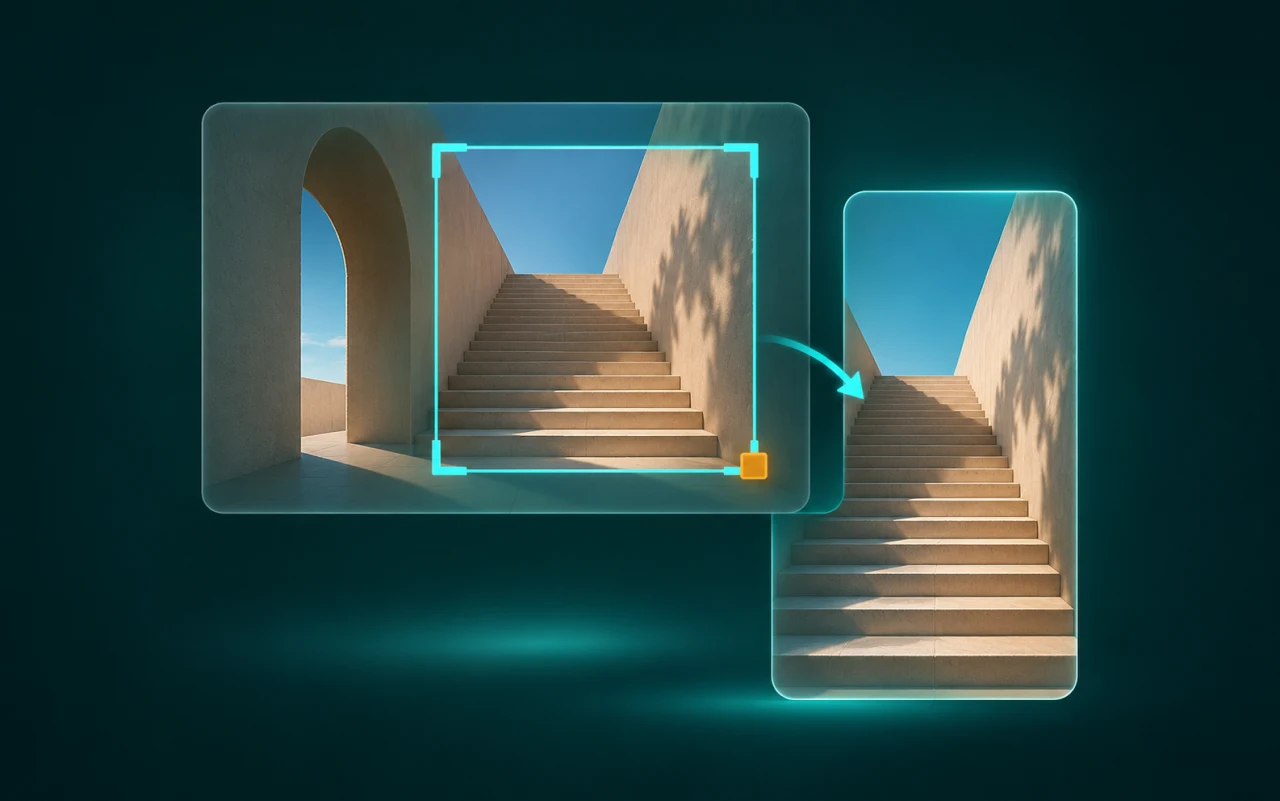
Capture the part you need
Grab a region for a bug report, a window for context, or an entire display.
- Stitch a long page into one image so the steps stay in order.
- Switch to manual scrolling for an app that ignores automatic scrolling.
Point out the details
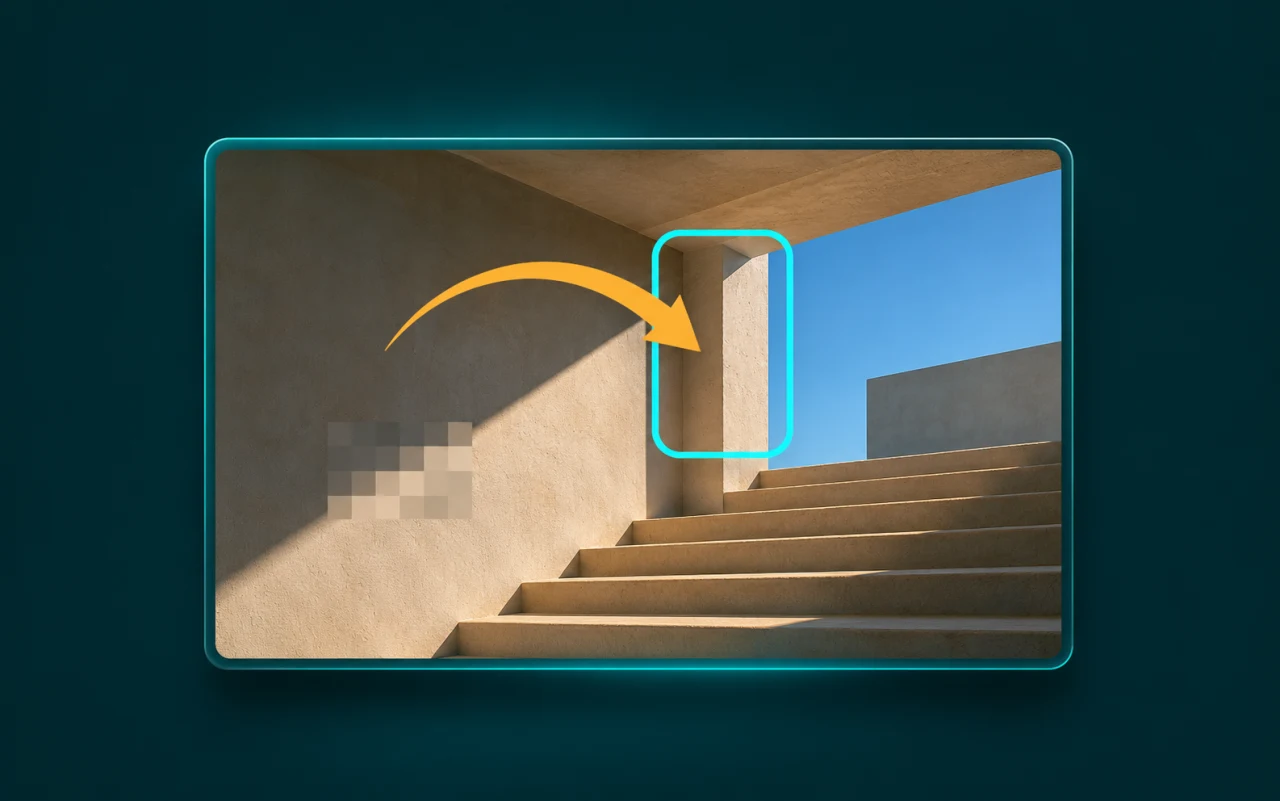
Add an arrow, a label, or numbered steps so someone reading your report can find the exact spot.
- Blur details before you share the image.
- Copy an error message without retyping it, or read a QR code. Recognition runs on your computer.
- Measure a gap between edges or copy a colour from the image.
Share the capture or keep it in view
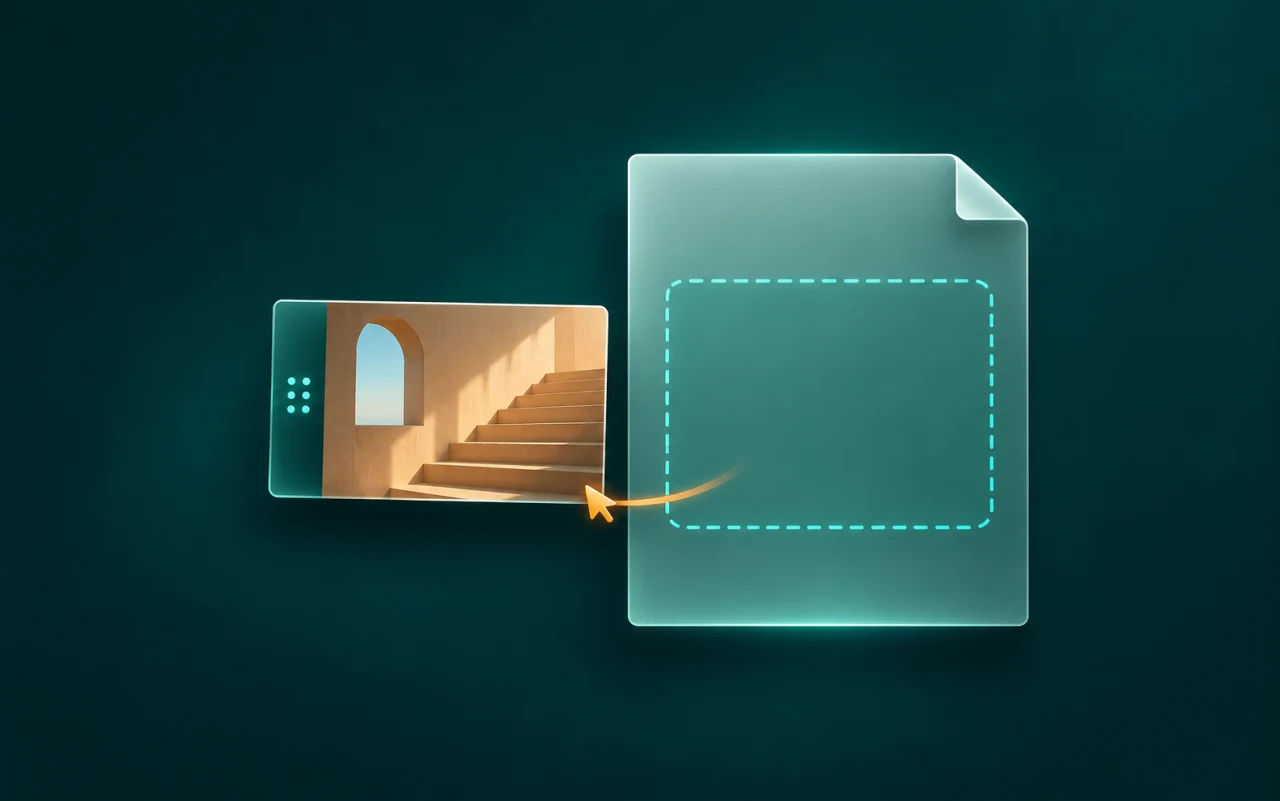
Edit, copy, save, or pin from the floating thumbnail. Use its top grip to move the thumbnail.
- On macOS, drag the image itself to send a PNG file to another app. Copy and save are available on macOS and Windows.
- Pin an image above other windows to compare layouts or follow instructions. Zoom in to read it, or turn on click-through to use the app underneath.
Supported platforms
The private build targets Apple silicon Macs on macOS 15.2 or later and x64 PCs on Windows 10 or 11.
Project origins
FrameLatch is based on the original Kiri, an MIT-licensed project by Timofey Maximov and Kiri contributors.